

Upload one photo and the AI makes your bicep heart
- 10 creditsper video
- 7-secondvertical 9:16 clip
- 3 typesSolo, Couple, Pet
- No subscription
Bicep heart AI that turns one photo into the trend
Upload one photo, pick Solo, Couple or Pet, and the bicep heart AI makes a 7-second vertical clip of the pose, ready for TikTok, Instagram Reels or YouTube Shorts.
The short answer
Bicep heart AI is a video model that animates one still photo into the bicep heart pose from the TikTok trend. On bicep heart trend maker you upload one PNG, JPEG or WebP photo, choose Solo, Couple or Pet, and get a 7-second vertical (9:16) bicep heart video, usually in about five minutes. Every video uses 10 credits, and credit packs start at $5.99 for 10 credits.
Bicep heart AI results from real photos

How to make a bicep heart AI video
Upload one photo
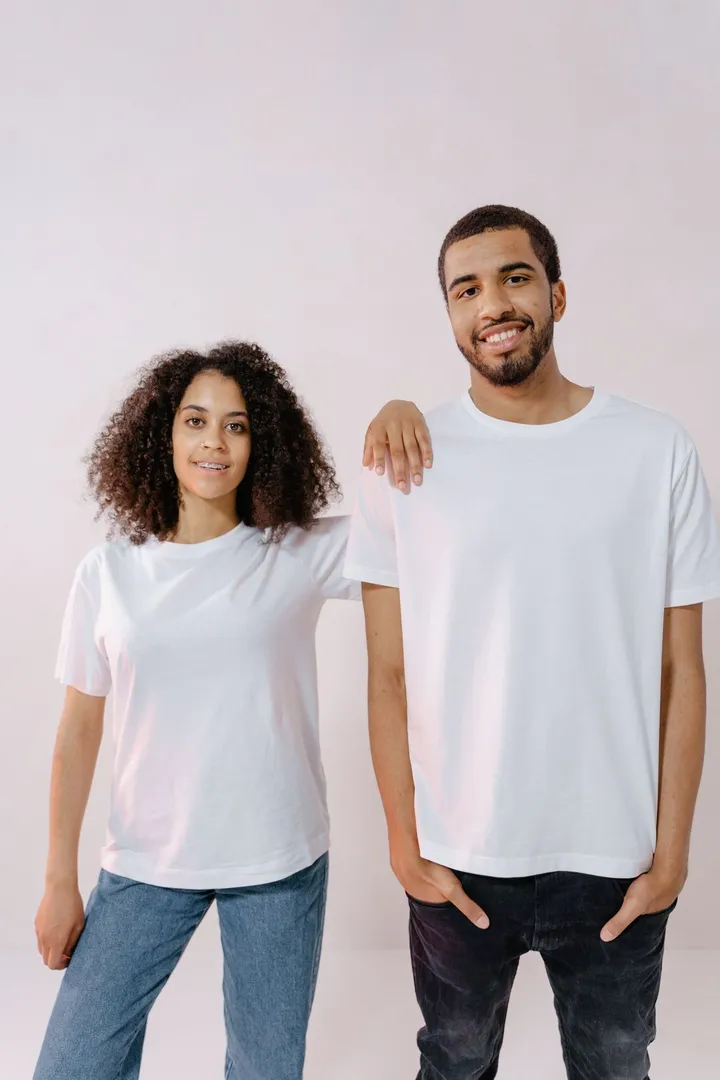
Upload one photo to the bicep heart AI tool at the top of the page. PNG, JPEG and WebP files up to 10 MB work. A waist-up photo facing the camera, with faces clear and arms in the frame, gives the AI the most to work with.
Choose Solo, Couple or Pet and a quality
Pick who is in the photo: Solo, Couple or Pet. Then pick Standard or HD. Both qualities use 10 credits per bicep heart AI video; HD is unlocked by the 30-credit pack.
Get the 7-second clip
Press Make my bicep heart video. The bicep heart AI video usually renders in about five minutes. You can close the page: the video appears in the list under the tool and on your [account page](/account), and you get an email when it is ready.
Bicep heart AI photo requirements and final frame by type
Solo: one person flexes the heart
For a solo bicep heart AI video, upload a photo of one person, waist up, facing the camera, with both arms in the frame. In the final frame the person flexes one arm and closes the heart against the bicep with the other hand, the classic bicep heart pose.
Couple: two people close one heart
For a couple bicep heart AI video, upload one photo of two people side by side, waist up, both facing the camera. In the final frame both people raise their arms and close one heart between them overhead. The couple version is a raised-arm heart, not a flexed bicep. Details are on the [couple bicep heart page](/tools/couple-bicep-heart).
Pet: a dog or cat raises its paws
For a pet bicep heart AI video, upload a clear photo of a dog or cat with the whole animal visible. In the final frame the pet sits up and raises its front paws into a heart, keeping its own fur, face and collar. More on the [pet bicep heart page](/tools/pet-bicep-heart).
Bicep heart AI video specs
Length and format
Every bicep heart AI video is a 7-second vertical MP4 in 9:16, the format TikTok, Instagram Reels and YouTube Shorts use. Seven seconds matches the length of most bicep heart trend posts.
Standard or HD quality
Bicep heart AI videos come in Standard or HD. Both use 10 credits. HD, the high-quality option, is unlocked by the $15.99 pack of 30 credits.
Silent, no watermark
The bicep heart AI video has no sound, no watermark and no on-screen text. Add the trend sound by @trendformusic or your own music inside TikTok, Instagram or YouTube when you post.
Render time
A bicep heart AI video usually renders in about five minutes, and longer when the video service is busy. A timer under the tool shows the estimate.
Bicep heart AI FAQ
Make your bicep heart AI video
One photo in, one 7-second vertical bicep heart clip out, for 10 credits.
Related pages
Couple bicep heart from one photo of the two of you
Make a couple bicep heart video from one photo of the two of you: a 7-second vertical clip for TikTok, Reels or Shorts. 10 credits, from $5.99.
Pet bicep heart from one photo of your dog or cat
Make a pet bicep heart video from one photo of your dog or cat: the AI version of the TikTok trend, a 7-second vertical clip. 10 credits.
Bicep heart meme from one photo, ready to post
Make a bicep heart meme from one photo: a 7-second vertical clip of you, your partner or your pet. Add the trend sound in TikTok and post. 10 credits.
How to do the bicep heart pose and make a heart on your bicep
How to do the bicep heart pose: flex one arm, pinch the fingertips of the other hand to it and rest the thumb on the bicep. Fixes and filming tips.
Best bicep heart AI generator for you: six tools compared
Compare six bicep heart AI generators on price, clip length, quality, sound, solo, couple and pet types, free trials and one-time packs, as each site states.